



NSAL20 Wireless Neighborhood Alarm System


Safety through cooperation with your neighbors.


The DETAILS menu is where you start to do many things. To enter the DETAILS menu press and hold button #1 for ten seconds (untill you hear a long beep).
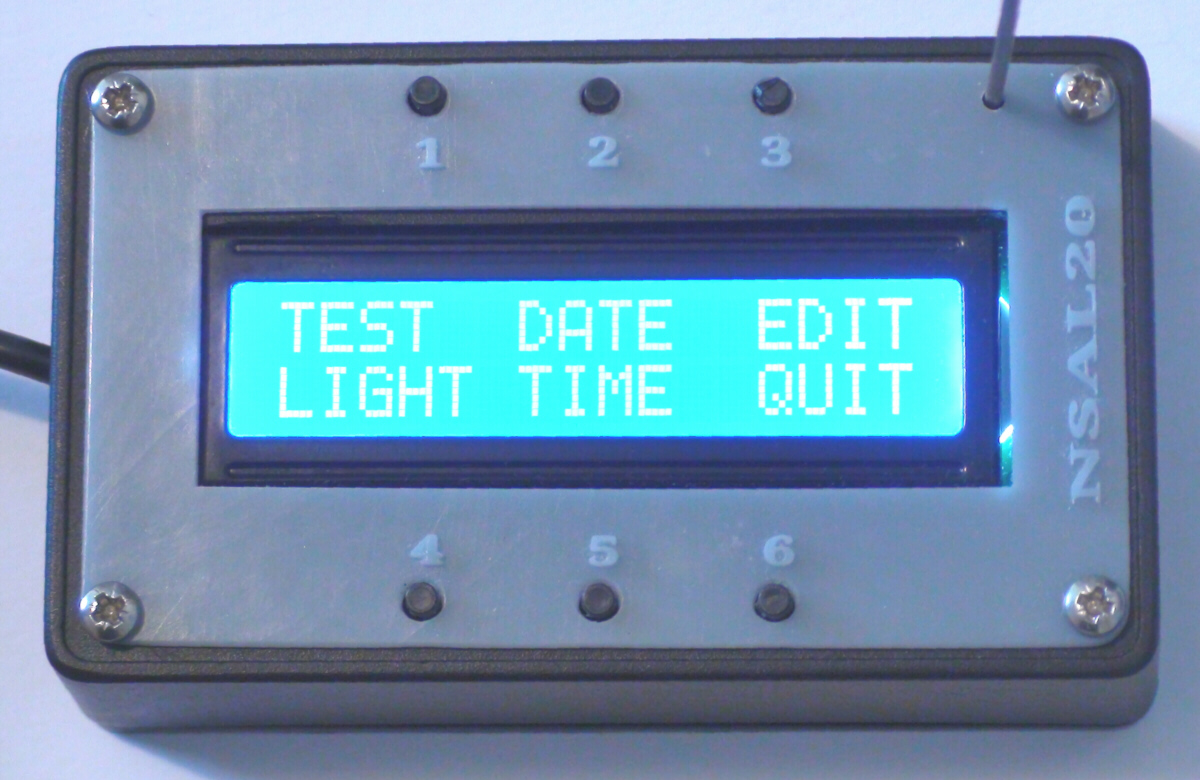
DETAILS Menu:
Pressing button #1 causes a TEST signal to be sent to all your neighbors. Their system will send a return signal but will not sound an alarm. The TEST signal enables you to verify who can hear you.
Button #2 enables you to view/set the DATE.
Button #3 brings up an expanded menu where you can view/change names, addresses, phone number and other settings.
Button #4 changes the display brightness.
Button #5 enables you to view/set the TIME.
Button #6 QUITS back to the normal display/operation.
Button #2 enables you to view/set the DATE.
Button #3 brings up an expanded menu where you can view/change names, addresses, phone number and other settings.
Button #4 changes the display brightness.
Button #5 enables you to view/set the TIME.
Button #6 QUITS back to the normal display/operation.